Draw a name, letter by letter.
Set a name in a starting font, then reshape individual letters and tune the gaps between them. Export the finished lettering as an outlined SVG.
From typed name to custom artwork.
Fieldnotes starts as a line of type. It becomes a separate Wordmark file with its own shapes and spacing.
Set the name
Enter the name and choose a starting font from your workspace, Google Fonts or an upload you can use.
Shape each letter
Edit an outline with the same drawing tools as the Font editor. Adjust the spacing after the letter and see the change in the whole name.
Export the artwork
Download vector outlines in an SVG. Place the mark in a layout, drop it into a website or hand it to another designer.
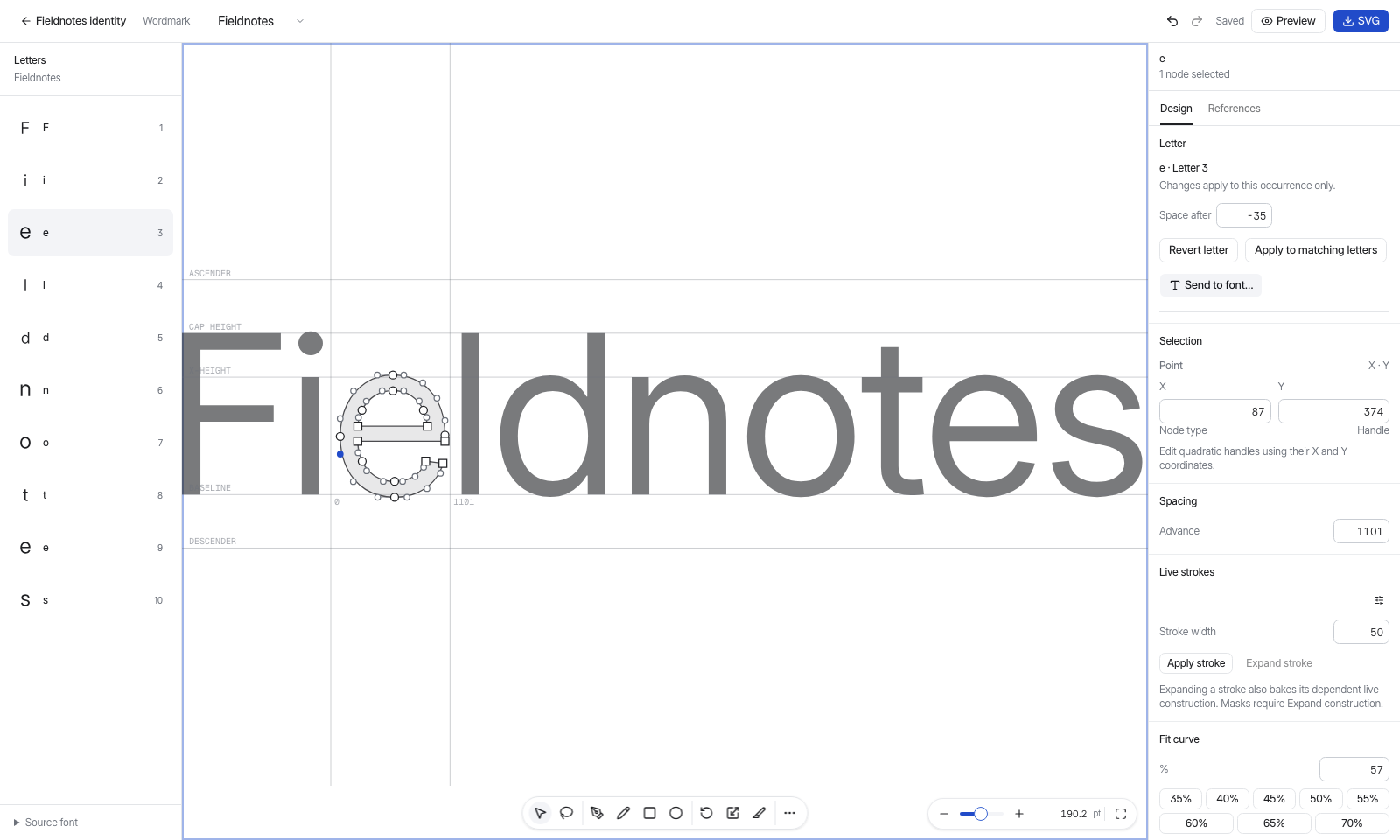
Change one occurrence.
Two e’s in the same name can have different shapes or spacing. Select the occurrence you want to refine, then check the result alongside its neighbours.
The file keeps its own outlines, so you can continue editing the artwork independently of the starting font.
Ready for the identity.
The lettering travels as vector paths. Use the same artwork on a website, a small label or a large-format layout.
